Opening soon
3D print designs, ready for your plate
Kitplate 3D Studio is a workshop of small browser tools for 3D printing. Type a name or an idea, watch it in 3D and download a file that’s ready to slice. No Blender, no CAD.
What we’re making
From an idea to a file your printer understands
01
Type it, print it
Names, labels, gifts and ideas become models you can print, designed right in your browser.
02
Colour, AMS or not
Multicolour files for printers with an AMS, and a pause-and-swap version for printers without one.
03
Ready for your plate
Files set up for your printer, with the filament and print time shown before you download.
04
Nothing to learn first
No Blender, no CAD and nothing to install: sliders, pickers and a live 3D preview.
Why we’re building it
Printing is easy now. Designing isn’t.
We love 3D printing: the hum of the printer, the first layer going down, holding something that was only an idea the evening before.
The printer is rarely the hard part any more. The design is. Blender and CAD take weeks to learn, and most of the prints people want (a name for a keychain, a label for a cable, a gift for a birthday) shouldn’t need them.
Kitplate 3D Studio is our workshop for those prints: small tools that each do one thing well, and hand you a file that is ready for your plate.
Meet the crew
Spooly and friends will show you around
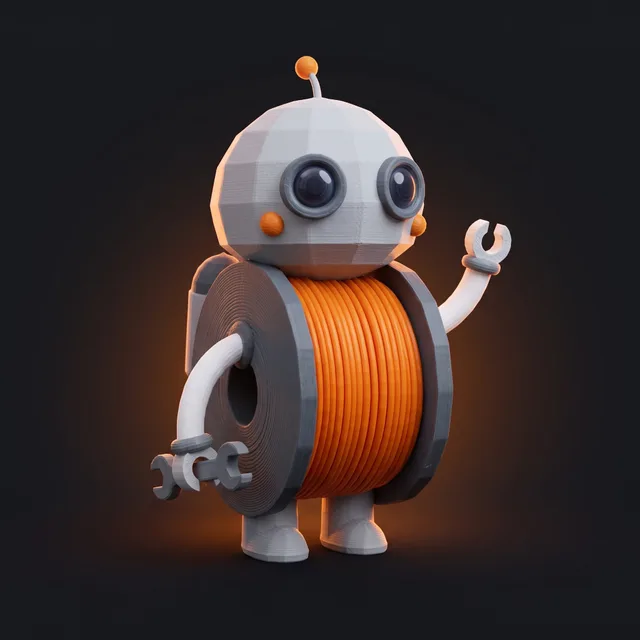
Spooly
The first spool of a printer farm, and our guide. It went looking for what everyone prints once it ran out of filament.
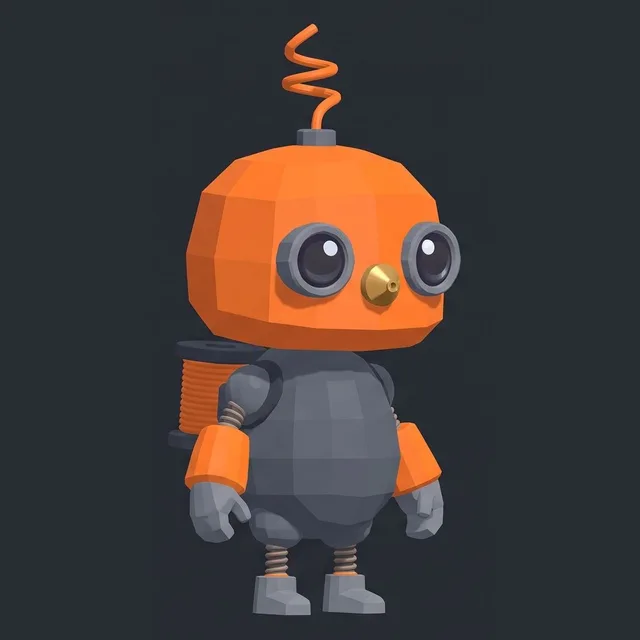
Nozzle
A hot end that popped off its carriage to see what it was printing.
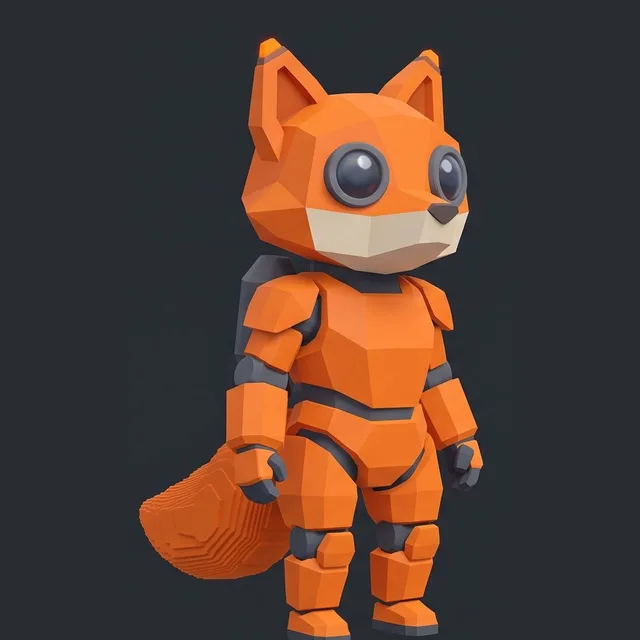
Foxbot
A detail test that ran off the plate before its supports came off.
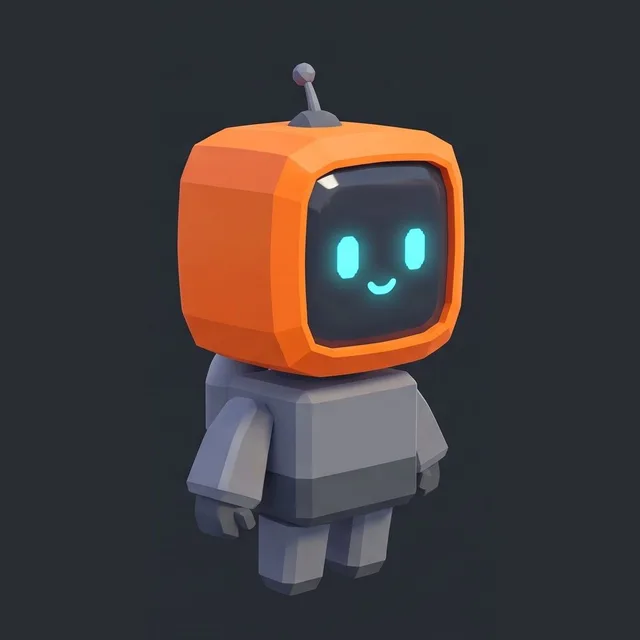
Tilebot
The orange tile from the logo, with a screen for a face.
From the workshop
Guides and tips
· 3 min read
STL vs 3MF: which file should you 3D print?
An STL holds only a shape; a 3MF also keeps units, colours, parts, plates and print settings. What each file does, and when to use which.
· 2 min read
Multicolour 3D prints without an AMS: pause and swap
No AMS or MMU? Put each colour at its own height and pause the print to swap filament. How it works, the designs that suit it, and a clean swap.
· 3 min read
Model Playground: explore your 3D print 150 times bigger
Jump in from any tool: your model, 150× bigger, printing on a giant copy of your printer in the forest of The Sleeping Portal, the Kitplate game.
Stay in the loop
Follow the build
New tools, print tests and Spooly’s adventures: follow @kitplate3d on YouTube, Instagram, TikTok and Facebook.